
Setting up IPTV in the UK takes about ten minutes. No engineer, no installation, no waiting for equipment to arrive in the post. If you’ve got a Firestick, a smart TV, or an Android box — and an IPTV subscription — you’re closer than you think.
This guide walks through the IPTV setup UK process on every major device UK viewers actually use. Pick your device and follow the steps.
What You Need Before You Start
Before touching any device, make sure you have three things. First: your IPTV credentials — a username and password, or an M3U URL, sent by your provider. Second: a broadband connection of at least 15 Mbps (run a quick speed test if you’re unsure). Third: your streaming device plugged in and connected to your TV.
That’s it. No satellite dish. No coaxial cable. No specialist hardware.
Setup on Amazon Firestick – The Most Common UK Method
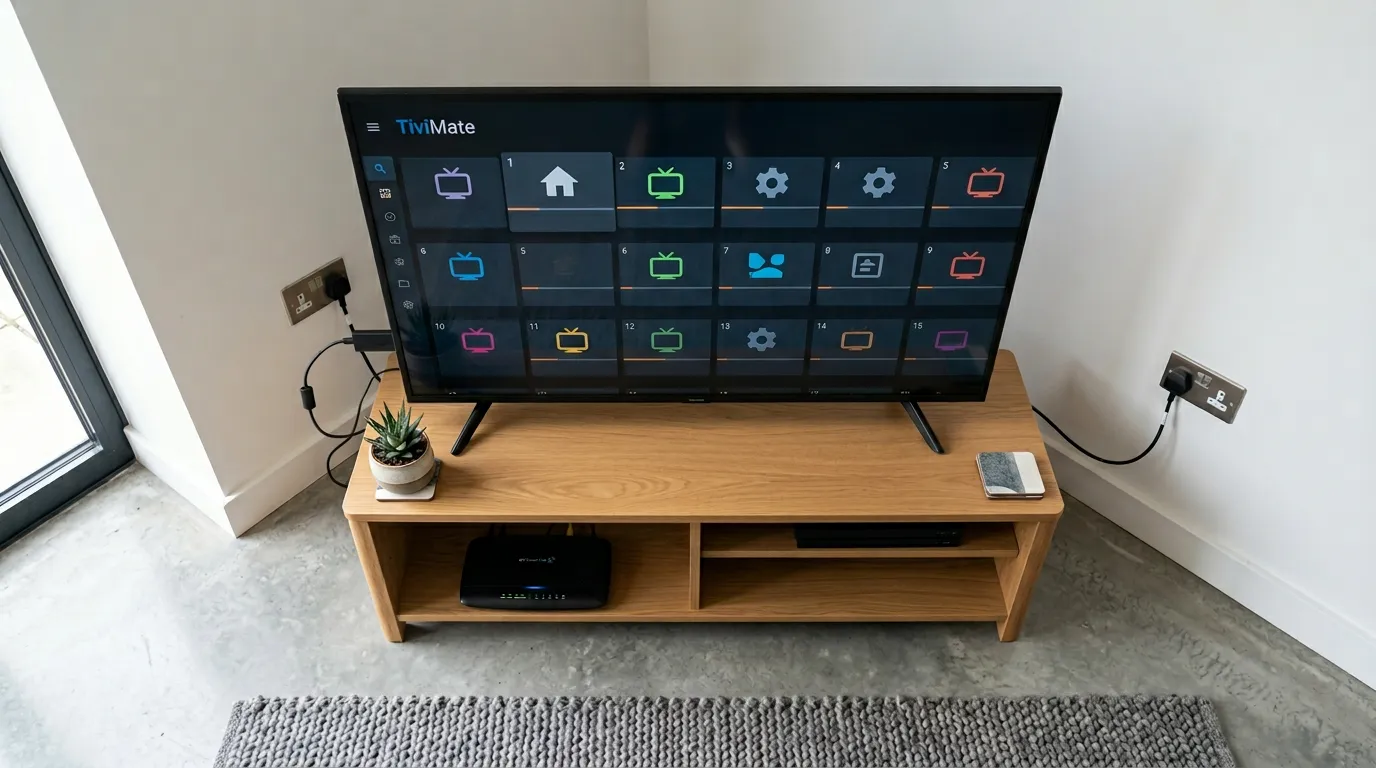
The Firestick is the most popular IPTV device in the UK. Here’s the exact setup process using TiviMate — the best player app for Firestick users.
Step 1 — Install TiviMate
From your Firestick home screen, go to the Search icon and type ‘TiviMate’. Download and install it from the Amazon App Store. It’s free.
Step 2 — Add Your Playlist
Open TiviMate. Tap ‘Add playlist’. Choose ‘Xtream Codes API’ if your provider gave you a username and password, or ‘M3U playlist’ if they gave you a URL. Enter the details exactly as provided — copy-paste from the WhatsApp message if possible to avoid typos.
Step 3 — Load Channels and EPG
TiviMate will pull in your channel list automatically. This takes 30–90 seconds. Once loaded, go to Settings → EPG and add the EPG URL from your provider to get the full programme guide. Your provider will include this in their setup instructions.
Step 4 — Test
Open BBC One live. If it plays cleanly, you’re done. Then open a sports channel and confirm quality. If anything doesn’t work, WhatsApp your provider — they’ll diagnose and fix within minutes.
Setup on Smart TV (Samsung / LG)
Using Smart STB (Samsung) or IPTV Smarters (LG)
On Samsung, search for ‘Smart STB’ in the Samsung App Store. On LG, search for ‘IPTV Smarters Pro’ in the LG Content Store. Both are free. Once installed, open the app, enter your Xtream Codes login details or M3U URL, and load your channel list. The process is identical to Firestick — just through the smart TV interface instead of TiviMate.
If your smart TV doesn’t find a compatible app in its store, the easiest fix is to plug a Firestick into the TV’s HDMI port. It overrides the smart TV interface entirely and gives you TiviMate on the best IPTV device available.
Setup on Android Phone or Tablet
Download IPTV Smarters Pro from the Google Play Store. Open it, select ‘Add User’, choose either Xtream Codes (username/password) or M3U URL, enter your credentials, and load the channel list. You’re watching live TV on your phone in under five minutes.
IPTV Smarters Pro also works on iPhone — download it from the Apple App Store. The interface is identical across platforms.
Setup on Laptop or PC
Download IPTV Smarters Pro for Windows, or use a web browser player if your provider offers one. Alternatively, VLC media player (free) opens M3U playlists directly — go to Media → Open Network Stream and paste your M3U URL. This is the quickest option for laptop viewers who don’t want to install a dedicated app.
Connection Tips for Better Performance
WiFi is fine for casual viewing but a wired ethernet connection is always better for live sports. On Firestick, use an ethernet adapter (under £10 on Amazon) plugged into the micro-USB port. On smart TVs and laptops, plug a cable directly into the router.
If streams buffer during the evening, the problem is almost always your home network rather than the IPTV service itself. A wired connection fixes the majority of buffering issues instantly.
Need a service to set up with? Golden TV is the one UK viewers most often recommend when you ask who they actually stuck with after trialling a few options. Message them on WhatsApp — they’ll send your credentials within minutes and walk you through setup on any device if needed.

*Recommended based on UK user feedback. We don’t sell IPTV services directly.
Frequently Asked Questions
What is the easiest IPTV setup for UK beginners?
Firestick plus TiviMate is the most beginner-friendly setup. Download TiviMate, enter your credentials, and channels load automatically. Your IPTV provider’s WhatsApp support will walk you through the steps if anything is unclear.
Do I need to sideload apps on a Firestick for IPTV?
No. TiviMate and IPTV Smarters Pro are both available directly from the Amazon App Store. No sideloading required. This is a common misconception — UK viewers on Firestick can use both apps without enabling developer mode or downloading APK files.
How do I fix buffering after setting up IPTV?
Switch from WiFi to a wired ethernet connection first. If buffering continues on ethernet with adequate broadband speed, contact your IPTV provider — they may need to assign you to a different server region.
Disclosure: This site recommends third-party services based on user feedback and research. We do not operate, sell, or provide IPTV services directly. All trademarks belong to their respective owners.